


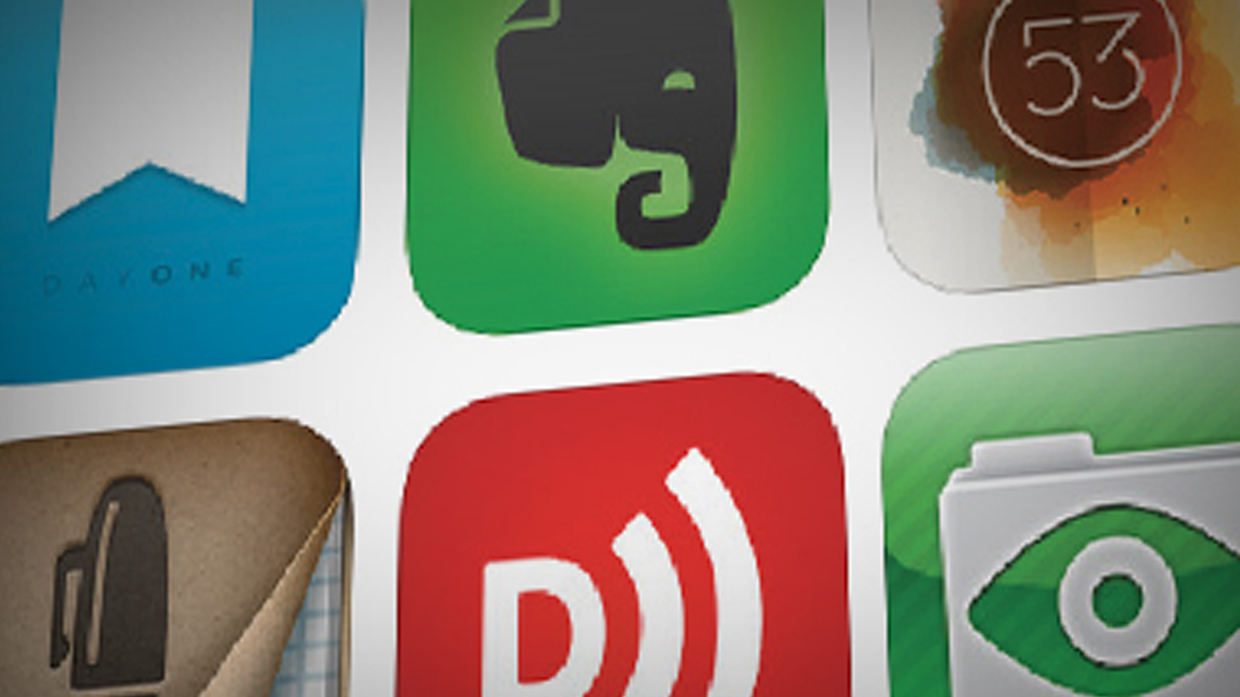

Using my iPad as a pastor for the last three years has sent me on a journey. I've spent countless hours roaming the iTunes App Store looking for the next app that will make my iPad better than ever. After trying many different apps, I have compiled a list of my favorite iPad apps for ministry. These are the ones I believe every iPad-packing pastor needs. By Brandon Hilgemann
Day One Journal – Day One has won various app awards for a reason. It is the best app for journaling. If you are not into journaling, consider using Day One for recording prayer requests. Another great use: recording your reflections and insights, so you can pull those thoughts for sermon preparation later.
Evernote – Never forget anything again. This is the best note-taking app hands down. I use Evernote for keeping a database of every sermon I have ever preached. I also use it to capture random ideas for sermons, illustrations, and blog posts. Evernote helps you capture great ideas before you forget them.
Penultimate – Penultimate is a hand-written note taking app created by the folks at Evernote. Because it is owned by Evernote, as soon as you are done taking your notes, it automatically saves them into a designated Evernote folder. I love using this app for taking notes in meetings. Call me old school, but I find that typing on an iPad during a meeting seems obnoxious. People don't know if you are sending email, surfing the web, or actually paying attention. So I use Penultimate along with a good stylus to write meeting notes by hand, that are later searchable in Evernote.
DropBox – Dropbox is an amazing hard drive in the cloud. Dropbox syncs with your computer so you can easily drag and drop any file into it. Then, you can pull these files up at any time on your iPad or iPhone. I love having it for things like volunteer applications. Any time someone asks me about volunteering, I can simply pull up Dropbox and email them an application on the spot. (Similar apps: Google Drive and Box)
Paper – Paper also won the App of the Year award from iTunes. It is a great note-taking / drawing app. Paper allows you to organize notes and sketches into different notebooks just like if you had a bag full of notebooks with you. The interface is smooth and easy to use. I love using it for brainstorming sessions. Plus, it looks beautiful.
Downcast – The best podcast listener out there! If you want to grow as a pastor, listen to free podcasts from your favorite preachers. It automatically syncs across your iPad and iPhone. The best feature is the ability to speed up pod-casts. By going up to 2x speed you can cut an hour-long message to 30 minutes, or a 30 minute message to 15. This is a great time saver, and you will be surprised at how quickly your brain adjusts to the increased speed.
Logos Bible! – Logos Bible Software gives you the power of an entire research library with you wherever you go. If you haven't purchased the Logos software you can still do Hebrew and Greek studies and read the Bible for free. However, if you use Logos software, this app will sync with your entire book library.
The Bible App – The Bible App from YouVersion is the best Bible app. This has practically replaced my paper Bibles. The reading plans are a fantastic way to keep you accountable for daily Bible reading. And if you are driving, working out, or just don't feel like reading, you can listen to the audio versions. All for free!
Feedly – After Google Reader closed down, Feedly quickly became my favorite RSS reader for the iPad. Feedly allows you to subscribe to all the posts from your favorite blogs. I use this app to sift through hundreds of blog posts a day. Leaders are readers. Why not take advantage of the great free content some of the best minds on the Internet are producing every day? (Other option: Flipboard does the same thing, but puts it together in a visually appealing magazine that also includes news feeds and social media.)
Planning Center – Planning Center is the best worship service and volunteer management system available. If you have never heard of it, do yourself and your worship pastor a favor and go to PlanningCenterOnline.com right now. I use this app weekly to manage the service order and coordinate the scheduling of hundreds of volunteers. Makes planning services and coordinating volunteers easy.
Presentation Clock – I love using this app for timing my preaching. I speak a lot in environments with no clock. Instead of bringing a big clock and mounting it in the back of the room, I use Presentation Clock. It counts down the remaining time, and changes color to warn you when you are nearly out of time. If you tend to preach too long, your church will thank you for using this app.
Genius Scan – Genius Scan turns your iPad into a scanner. I have gone paperless at home and at work. No more messy stacks of paper scattered across my desk! Genius Scan takes a picture of the document, and then exports it to your destination of choice. (I use Evernote). Rather than searching through a messy pile of paper, I can now just search Evernote and BAM! there it is. This is great for tracing receipts, meeting handouts, or saving a picture of a whiteboard.
GoodReader – I love preaching with an iPad. GoodReader is a great PDF reader that I use for all of my sermon notes. I write my sermon notes in Pages, but word processors are terrible to preach from, because with one tap you could accidentally delete or rearrange all of your notes. GoodReader allows me to crop, highlight, and read my notes without fear of messing them up.
iMovie – Being able to create video is more and more important in churches. If you want to shoot and edit video announcements, testimonies, skits, video of service projects, or whatever, iMovie is the best. This app can handle just about any video project a church has (other than 3D animations and more technical videos like that).
Clear – I have tried a many to-do lists, but I love the simplicity of Clear. If you live and die by your to-do list, you need a simple, enjoyable way to keep your list across all your devices. This may sound weird, but the gestures you use and the sound effects in this app make finishing and adding tasks feel like a video game. If you try it, you will see what I mean.
—This article was adapted from a piece that originally appeared on Pro-Preacher.com
Copyright © 2014 by the author or Christianity Today/Leadership Journal. Click here for reprint information on Leadership Journal.